

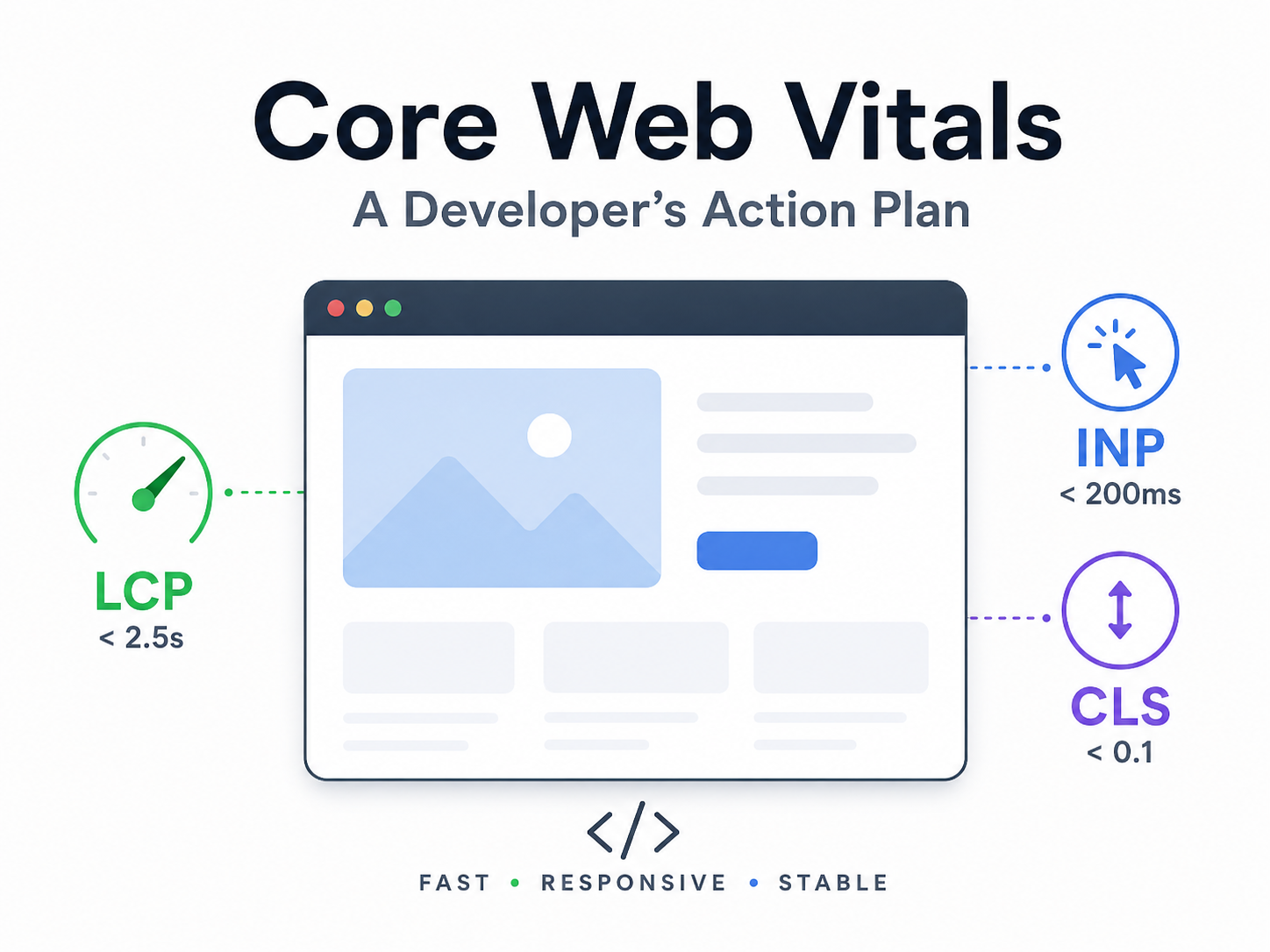
Google rates your site based on three factors. And they are speed, how fast it responds to clicks, and how stable the design is. These directly affect your search rankings and are known as Core Web Vitals.
Low scores usually lower your rank in the results. And good scores lift you. It is as simple as that.
What Are Core Web Vitals?
Three metrics make up Core Web Vitals:
- LCP, or Largest Contentful Paint: how fast your main content appears on screen
- INP, or Interaction to Next Paint: how fast your page responds after someone clicks
- CLS, or Cumulative Layout Shift: how much your layout jumps around after loading
Google bakes these scores into its ranking system. So basically, if you fix them, you will end up ranking higher. Ignore them and watch your traffic slide.
LCP: Get Your Page to Load Fast

LCP measures how long it takes for the biggest visible element to load. That’s usually a hero image or a large heading. Aim for under 2.5 seconds.
Here’s what actually moves the needle:
- Serve images from fast servers near your visitors
- Compress and resize every image before you upload it
- Mark your hero image as a priority so it loads first
- Use server-side rendering to send HTML fast instead of waiting for JavaScript
Next.js Server Components handle much of the heavy lifting here. They run on the server and send ready-made HTML straight to the browser. You don’t need to wait for client JavaScript to wake up. Here, the page loads quickly, and Google notices immediately.
INP: Stop the Frozen-Page Feeling
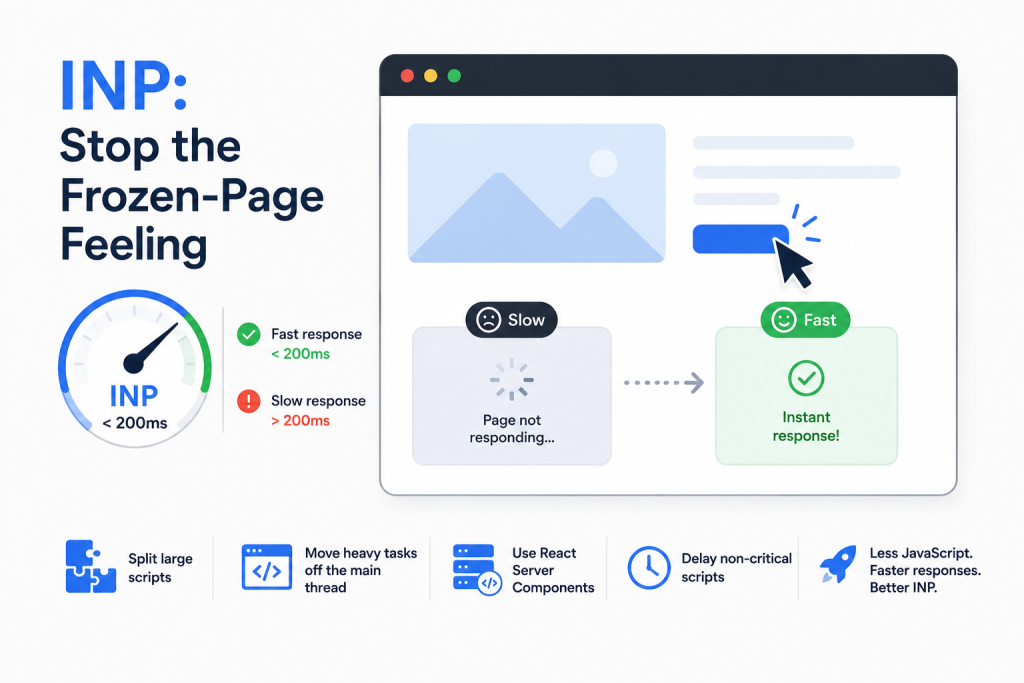
First Input Delay was replaced by INP in 2024. It measures how quickly your page reacts after someone clicks or taps. And so you will need to keep it under 200 milliseconds.
The problem is usually too much JavaScript. Blocking the main thread with heavy scripts. It looks like a page is ready; however, it does not respond. It can be frustrating and hurt scores.
Quick fixes that work:
- Split big script files into smaller chunks that load on demand
- Move heavy tasks off the main thread
- Use React Server Components to cut down client-side JavaScript
- Delay non-critical scripts so they don’t block the page
With the Next.js App Router, Server Components ship zero JavaScript to the browser by default. Less JavaScript means faster responses. Your INP score drops on its own.
CLS: Kill the Page Jump
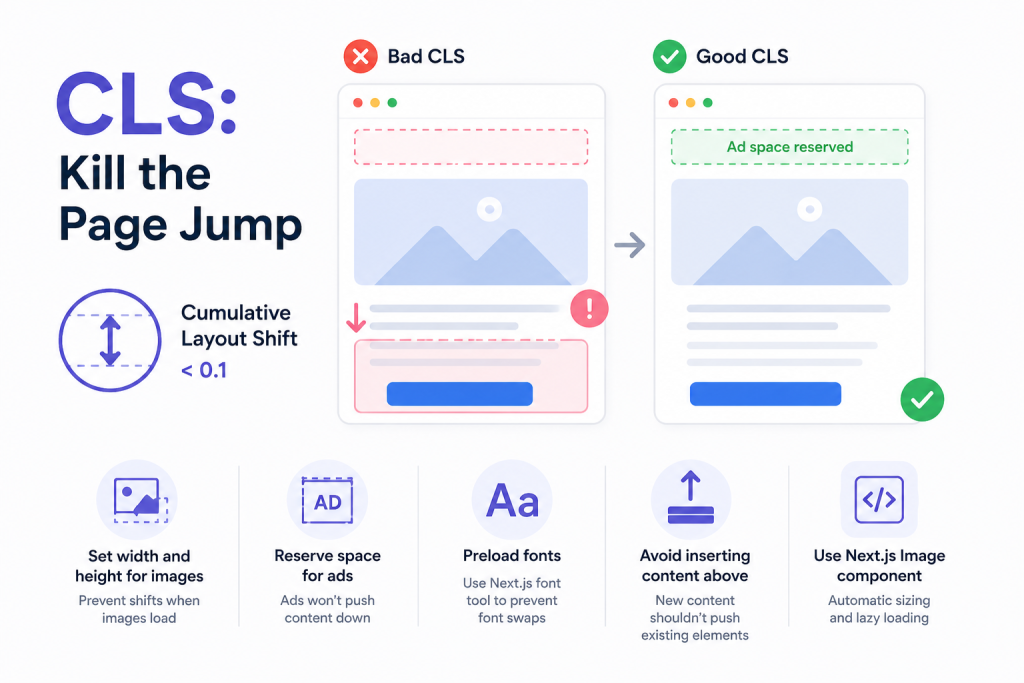
CLS measures how much your layout moves after the page loads. You know that moment when you’re about to tap a button, and the whole page suddenly shifts? That’s a bad CLS score. And so you will need to keep it under 0.1.
Common causes include:
- Images with no set width or height
- Ads that load late and push content down
- Fonts that swap in and change the text size
- New content that appears above older elements
You will need to fix the images first. Always always provide a width and height on every image. The Next.js Image component handles this on its own. It also lazy-loads off-screen images. This prevents layout shifts whenever images load late.
For fonts, preload your font files and use the Next.js font tool. It eliminates the need for the font to swap at all. This makes sure that there is no more text jumping around mid-load.
Your Action Plan
Start here today:
- Run PageSpeed Insights on your site. It shows your exact Core Web Vitals scores and tells you what to fix.
- Fix images first. Set dimensions and compress the files. And then host them on fast nearby servers.
- Cut JavaScript. Audit your bundles and also remove unused packages.
- Check for layout shifts in Chrome DevTools. Look at the Layout Shift regions.
- Use a framework that helps by default. The Next.js App Router with Server Components cuts client JavaScript without extra work.
Does Any of This Actually Matter?
Yes. Core Web Vitals is a confirmed ranking signal from Google. A site with a good score is usually ahead of one with a bad score. Fast sites keep visitors lingering longer. And not only that, but they also click more and have a high chance of coming back for more.
In fact, a better ranking based on Core Web Vitals is one of the best gifts you can give to yourself as a developer right now. Start with your worst metric. Fix it. Then move to the next one.

