
Is your Kubernetes bill going up but usage staying the same? You’re not alone. Almost 70% of companies see rising K8s costs. And half of them are facing jumps of more than 20%. But there are some ways to fix that. You can now cut these costs without hurting performance.
The Hidden Money Drain in Your Clusters
Most Kubernetes setups waste money by a huge margin. On average, pods use only 13% of the requested CPU and 20-45% of the requested resources. That is similar to paying for a five-bedroom house when you only need a small apartment.
The waste happens because:
- Engineers ask for way more resources than workloads need
- Empty nodes stay running after traffic drops
- Clusters get scattered across too many zones
- Storage and network costs pile up unseen
Smart Ways to Trim Your K8s Bill
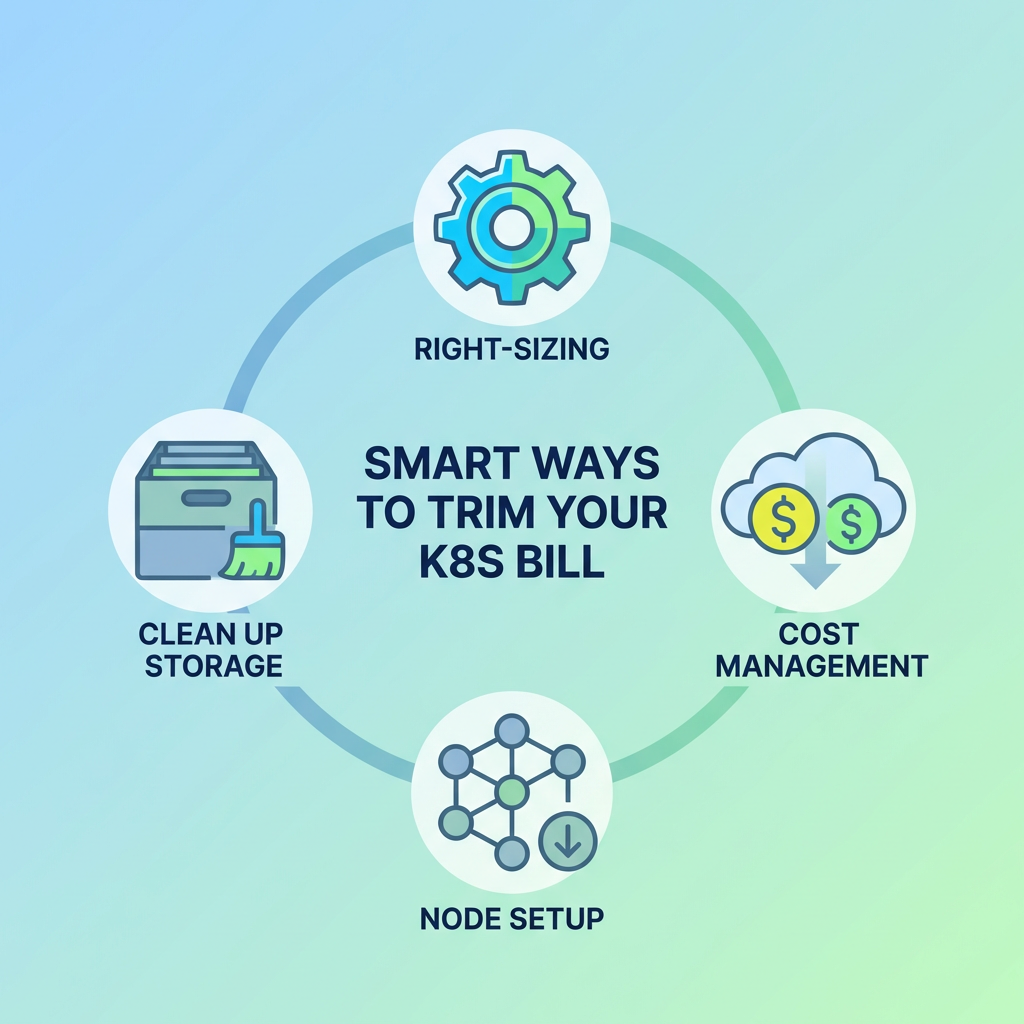
Right-size Your Pods
First, start with the basics. Check what your pods actually use versus what they request. Most teams set CPU and memory requests too high out of fear. But this caution costs money.
Look at usage data over 2-3 weeks. Then adjust pod requests to reflect reality, not worst-case scenarios. This simple step often cuts costs by 30-40%.
Fix Your Node Setup
Nodes matter a lot, too. You can start with a smart mix. Use cheaper spot instances for jobs you can lose. And use standard nodes for work you cannot lose. AWS Spot, Google’s Preemptible VMs, and Azure Low-Priority VMs can cut costs by up to 90% for some workloads.
Also, you need to check your cluster count. Too many clusters can drain money fast. Each one can bring extra costs for control planes, monitoring, and networking. So try putting smaller projects into shared clusters.
Use Autoscaling Wisely
Tools like Horizontal Pod Autoscaler and Cluster Autoscaler can also help match resources to demand. But they need a proper setup.
Set smart scaling rules based on real traffic patterns. Add buffer time before scaling down to prevent flip-flopping. And don’t forget to check if autoscalers actually work as planned, because many teams set them up and never look back.
Clean Up Your Storage
Old volumes, snapshots, and backups can stealthily and unnecessarily drain your budget, so set up regular cleanup jobs to find and delete:
- Unused persistent volumes
- Unneeded older snapshots
- Logs and data from services that have been deleted
Also, make sure to select lower-cost storage classes for data that is rarely accessed, as items do not always need to be on the fastest SSDs.
Track Costs by Team
You can also make costs visible to everyone. Organize resources by team, project, and app, using tags. Then demonstrate to each group what they have spent.
This basic action will impose a requirement to better itself. No one aspires to be the team that wastes the most money. Everyone can pretend the problem lies elsewhere if there are no ways to track the cost.
Beyond Manual Tweaking
Manual tuning is helpful, but only to a point. For greater savings, consider:
- AI tools that predict resource needs based on usage patterns
- Policy tools that prevent wasteful practices before they start
- Autonomous systems that make real-time adjustments to your resource allocation
The best configurations incorporate human oversight along with intelligent automation. For this reason, it is essential to keep engineers focused on higher-value work while your systems do the more tedious aspects of cost management.