

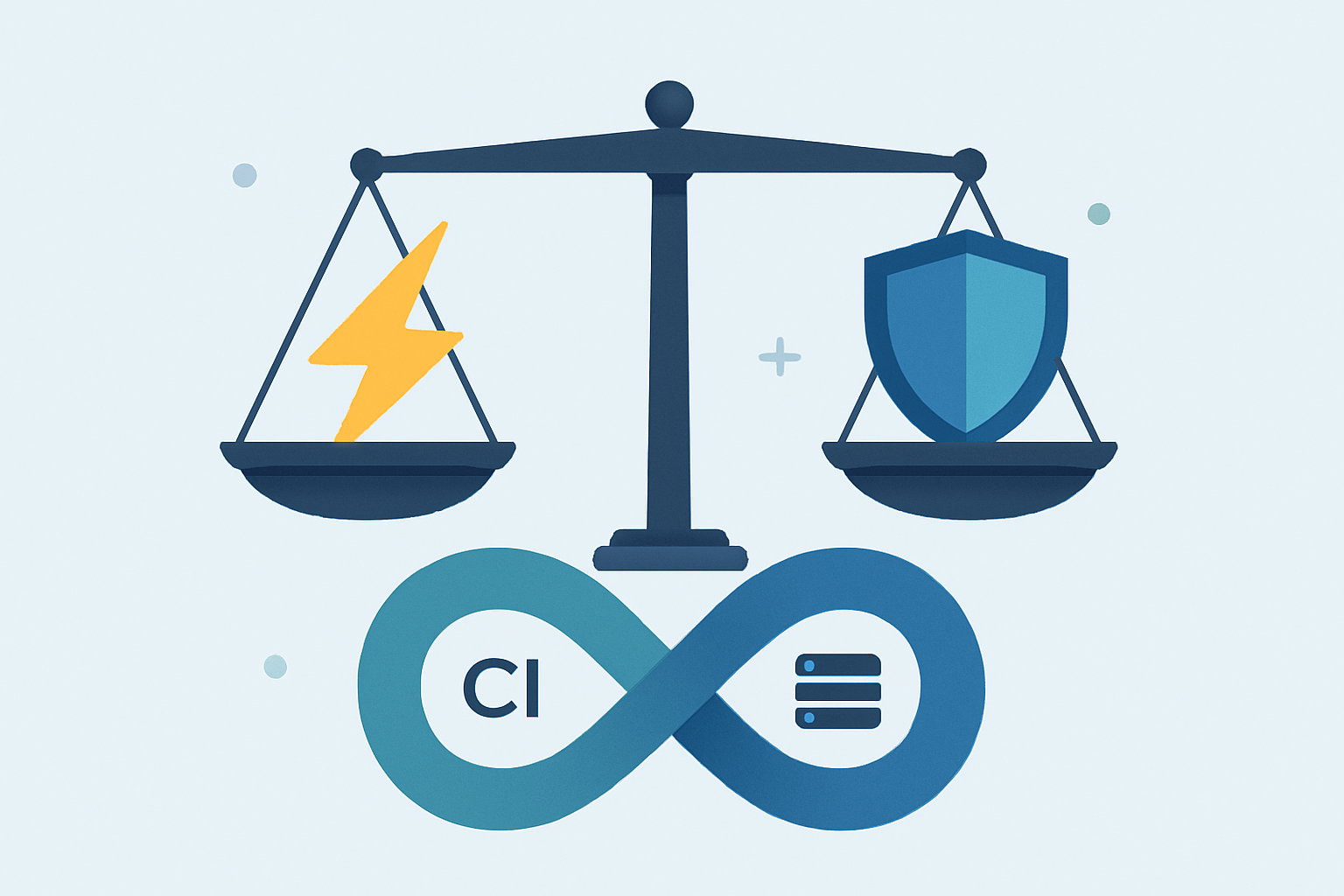
Ever pushed code to production only to discover a security hole later? That is one of the reasons DevSecOps tools matter. These tools can spot the problems early. They can do it way before your app goes live and causes a mess. So you keep your CI/CD pipeline moving and also keep your code safe without any extra issues.
Why Security Tools Matter in Your Pipeline
Speed is important in today’s software world, but so is security. DevSecOps brings these two together by adding security checks right into your build process. These tools scan your work at every step. They will help you catch the issue before it’s too late.
And the best part is that most of this happens automatically. Your developers keep coding, and these tools quietly check for problems in the background.
Foundation
First, you will need a robust CI/CD platform to integrate these security tools into. Some of the popular options include the following:
- Jenkins – Very flexible with tons of plugins
- GitLab CI/CD – It has built-in security tools
- GitHub Actions – This one works great if you’re already using GitHub
- CircleCI – It is easy to set up and runs fast
Any of these can host the security tools we’ll discuss next.
Static Code Scanners (SAST)
These tools analyze your code before it runs. They act like spell-checkers but for security bugs.
SonarQube can find not just security issues but also bugs and messy code. Its dashboards can also help you track your progress over time. And this is great for teams that care about both quality and security.
Semgrep is fast and easy to use. It lets you write simple rules to catch security problems. It is perfect for quick feedback during development.
Snyk Code scans very fast right in your code editor. Most developers love it because it doesn’t slow them down and also explains the issues clearly.
Dynamic Scanners (DAST)
These tools test your running application and not just the code.
OWASP ZAP is free and powerful. You can set it up to automatically attack your test apps to find problems even before real attackers do.
Burp Suite comes in a pipeline-specific version. It’s what the pros use for serious web app testing.
Dependency Checkers (SCA)
These scan all those external packages you use. For example, Log4Shell is a tool to scan those packages.
OWASP Dependency-Check is free and also catches known bugs in your libraries. It is very simple but effective.
Snyk Open Source not only finds problems, but it also suggests fixes. It can tell you exactly what version to upgrade to, which can be very helpful.
Infrastructure Scanners
These check your cloud setup files (Terraform, Kubernetes, etc.) for security holes.
Checkov scans your infrastructure code for misconfigurations. It also has built-in rules for AWS, Azure, and other cloud stuff.
Terrascan is another tool that can let you write custom rules for your company’s security needs. It is great for teams with special requirements.
Container Security
These tools are a must if you are using Docker or other containers
Trivy is simple and fast. Just point it at your container images, and it tells you about any security issues. It is also very easy to add to any pipeline.
Aqua Security offers deeper protection for container environments. It goes beyond basic scanning to protect your apps when they’re actually running.
How to Get Started
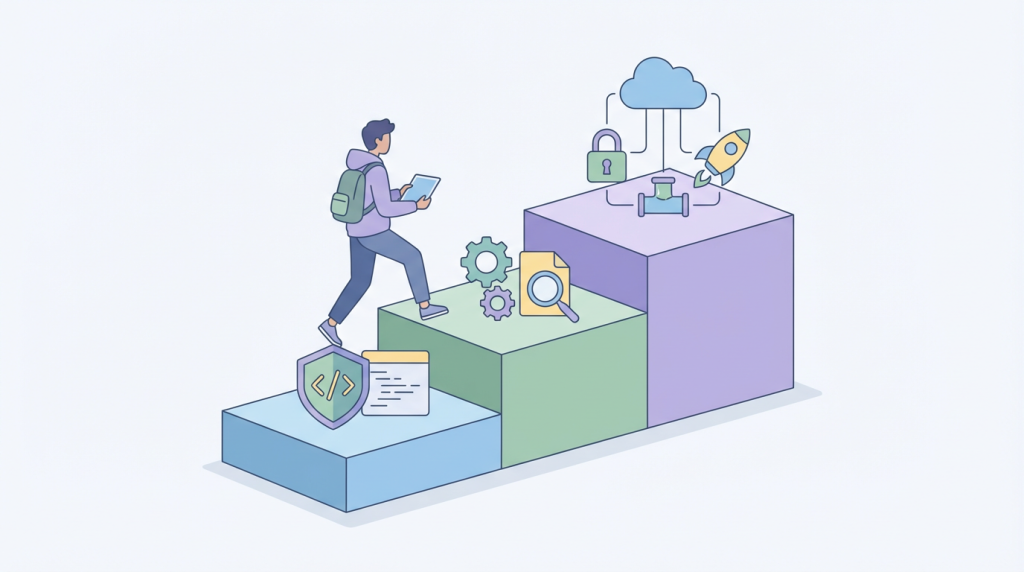
But don’t try to add all these tools at once! All you need to do is start small:
1. Pick one SAST tool and run it on your code
2. Add dependency scanning next
3. Gradually add the other tools as you get comfortable
The secret is to fix the big problems these tools find right away. Then set up rules for what should block a build vs. just warn developers.
